🧪 Test and evaluate MCP Servers with LLMs
Test how well LLM agents use your MCP tools, compare different models, and track quality over time with automated testing and detailed reports.
LLM agent evaluations
Evaluate how models use your MCP tools
Give your models the same tasks. MCPLab runs the agents through their APIs, records their MCP tool calls, and checks the results against your evaluation criteria.

Claude

ChatGPT

Azure Foundry
One evaluation suite, consistent checks across models.
 Google Gemini
 DeepSeek
 Ollama
 Groq
Groq Mistral
 OpenAI-compatible
Measure agent behavior
Run repeatable scenarios and review pass rates, latency, and tool usage to understand how models handle tasks with your MCP tools.
Check tool use
Check required tools, call order, input arguments, and final answers. Add judge assertions when answer quality needs a closer look.
Inspect the evidence
Inspect captured tool calls and responses, review saved reports, and rerun scenarios as you improve your MCP server.
See It in Action
Rich visual reports, detailed traces, and interactive dashboards.
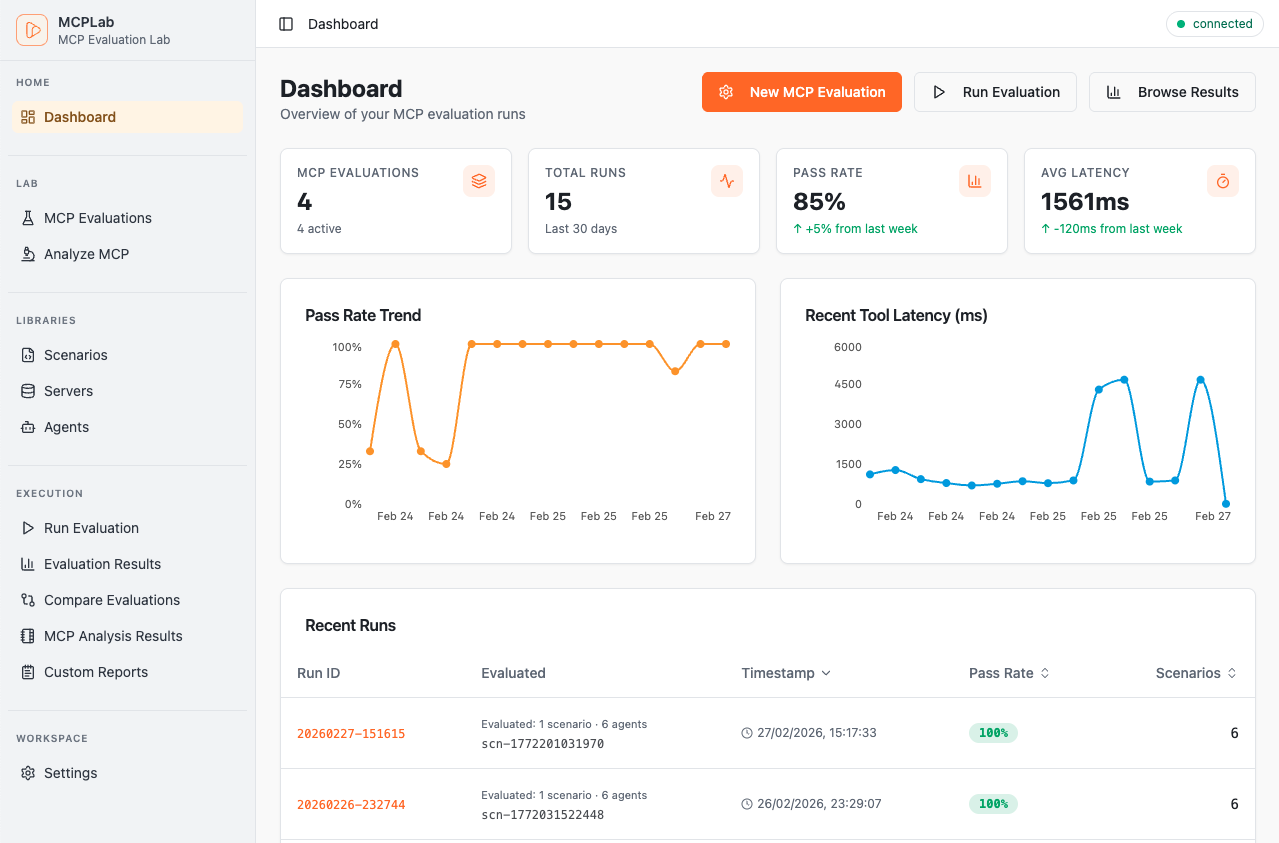
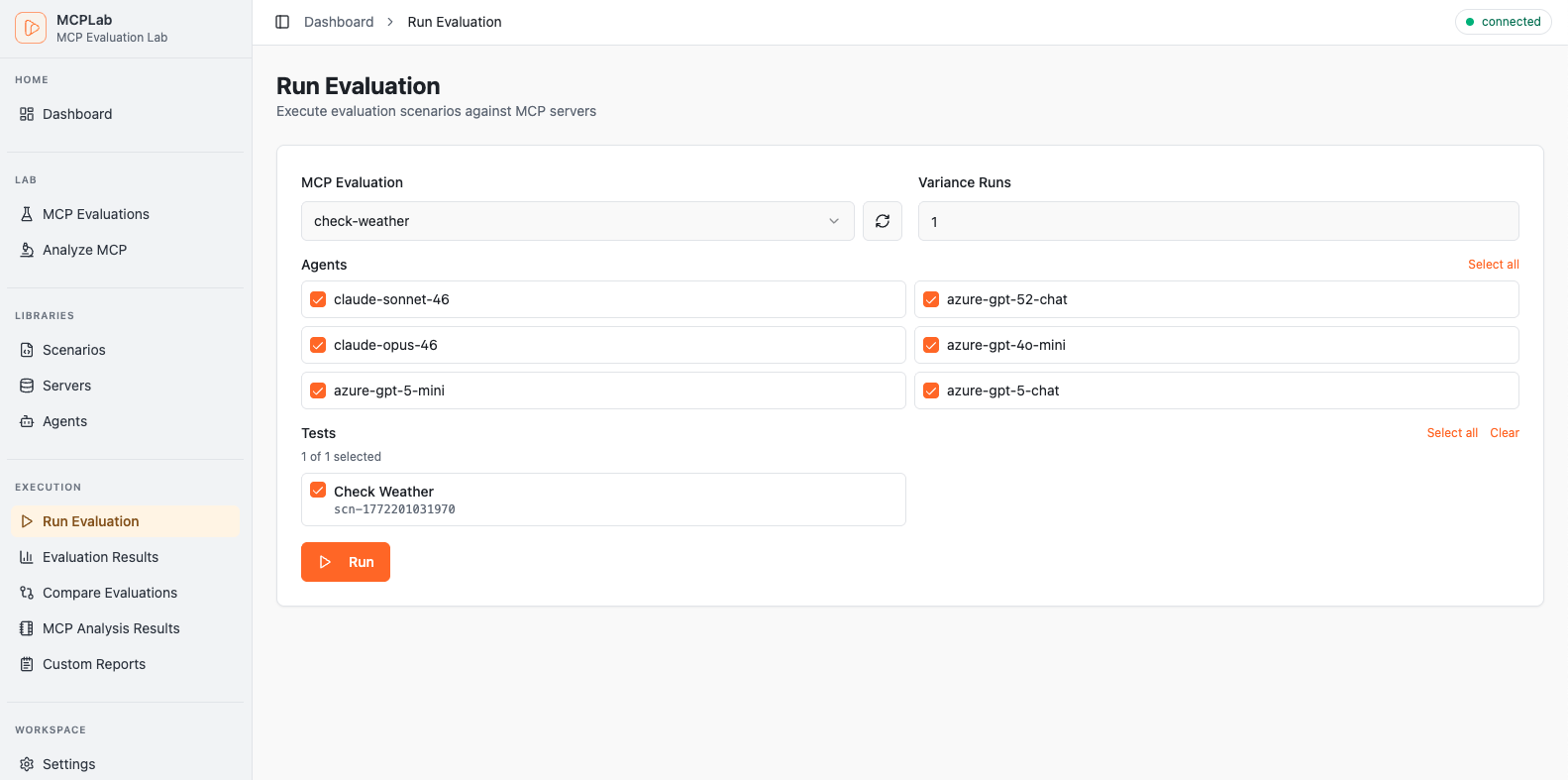
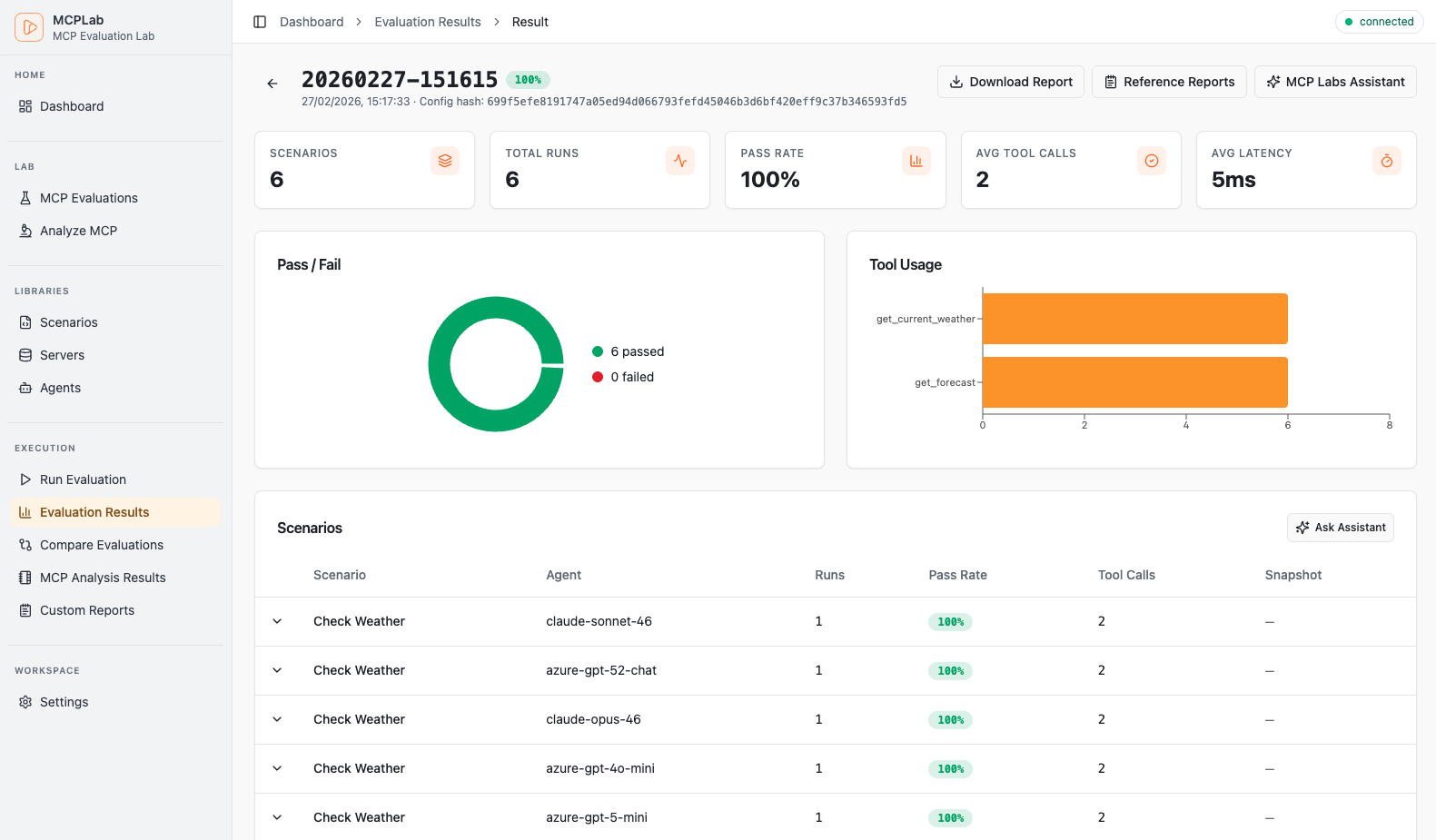
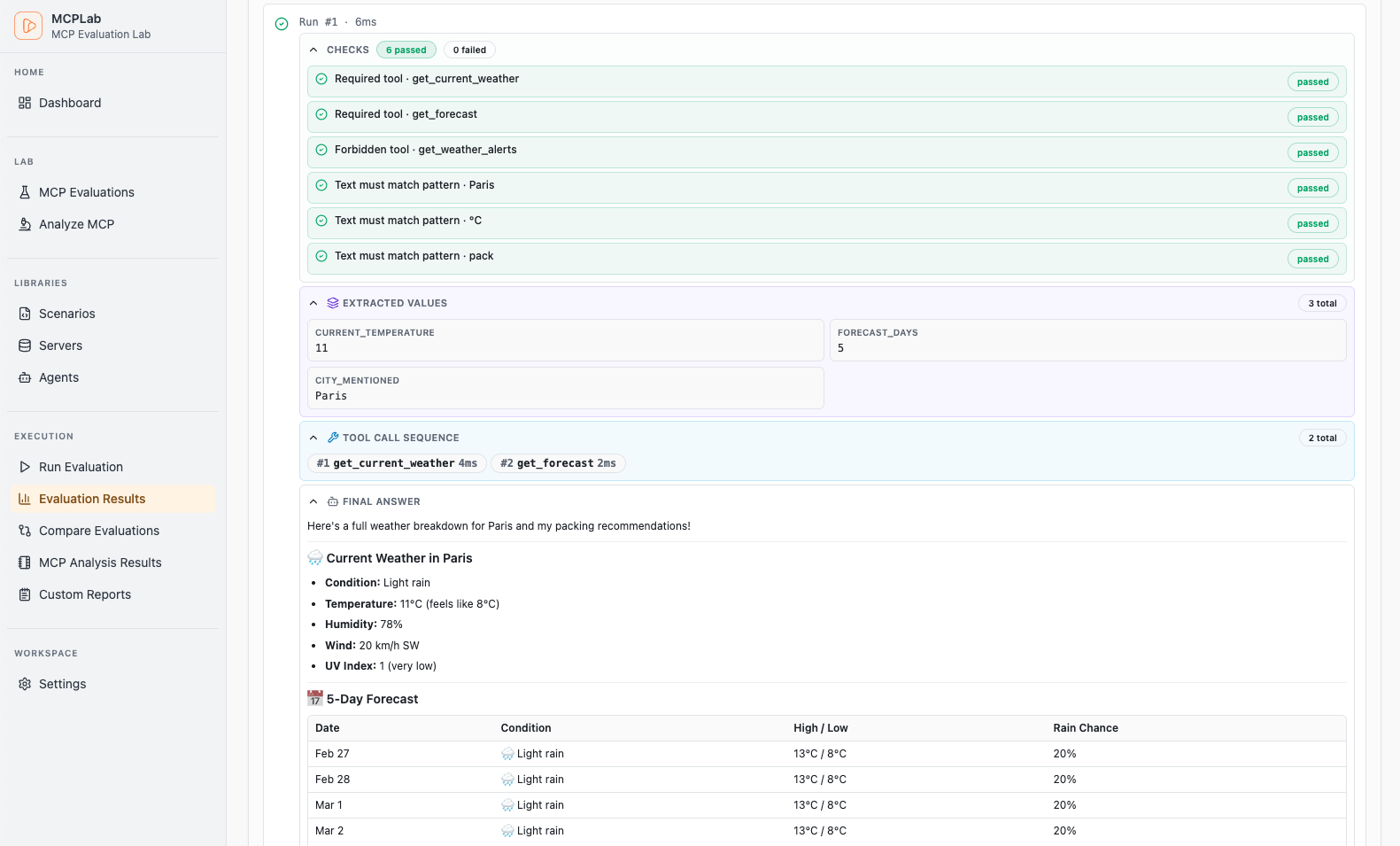
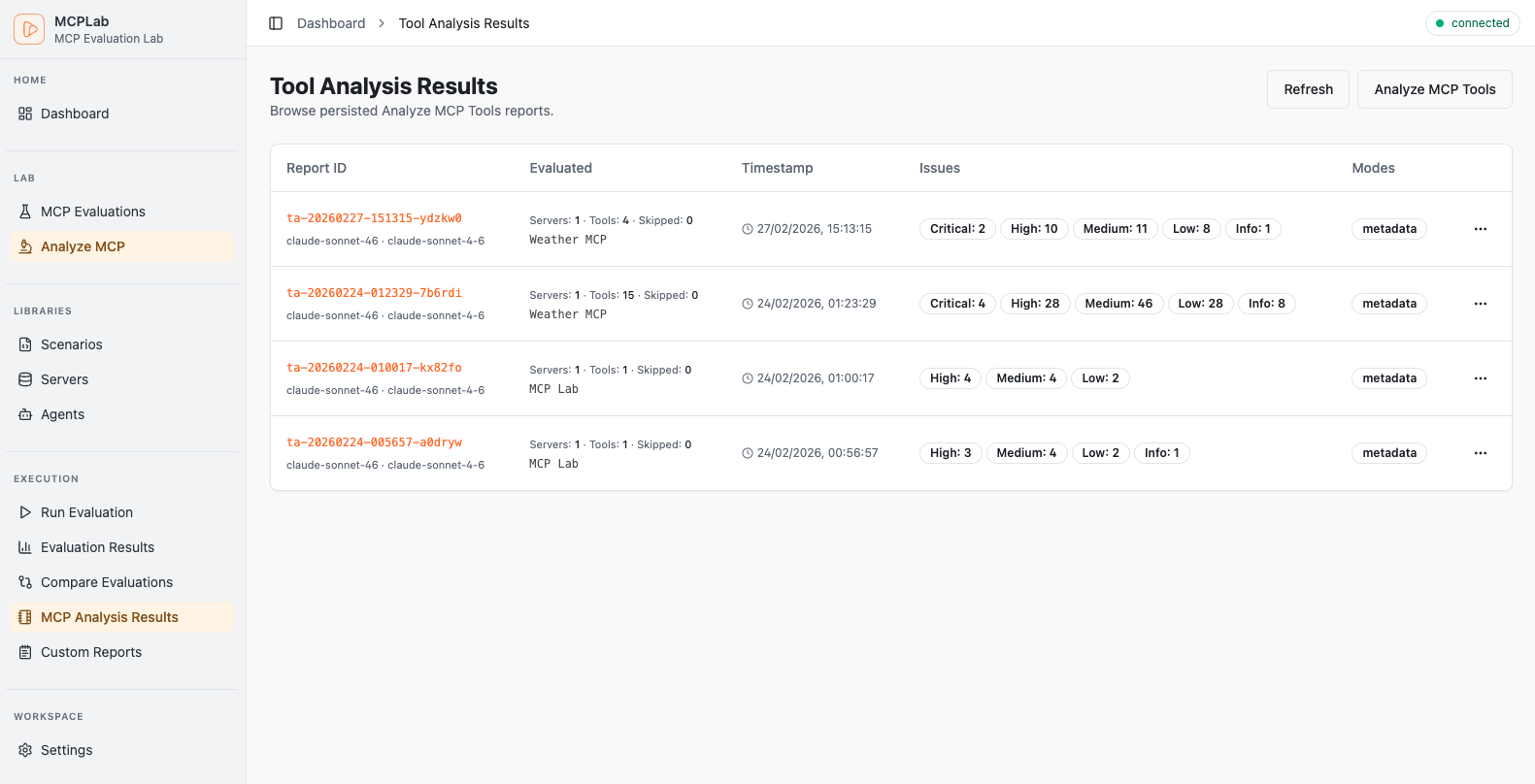
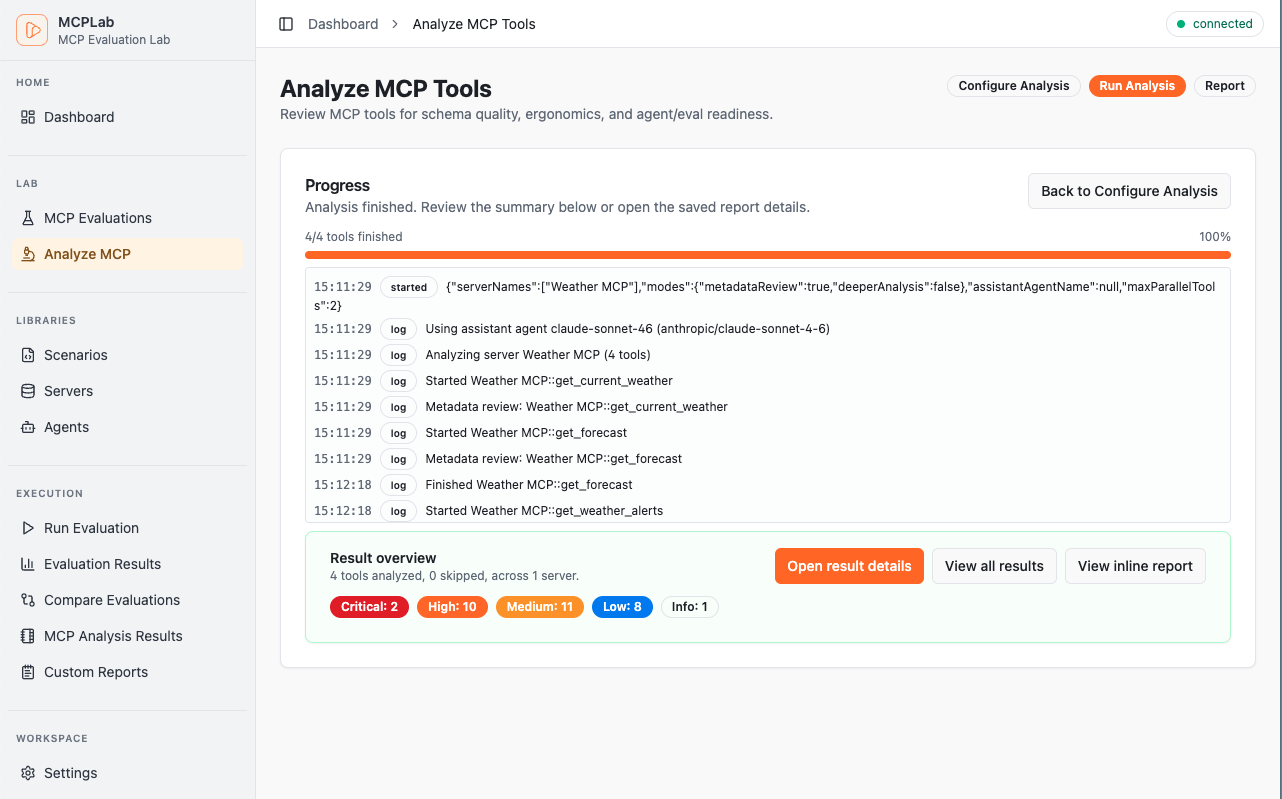
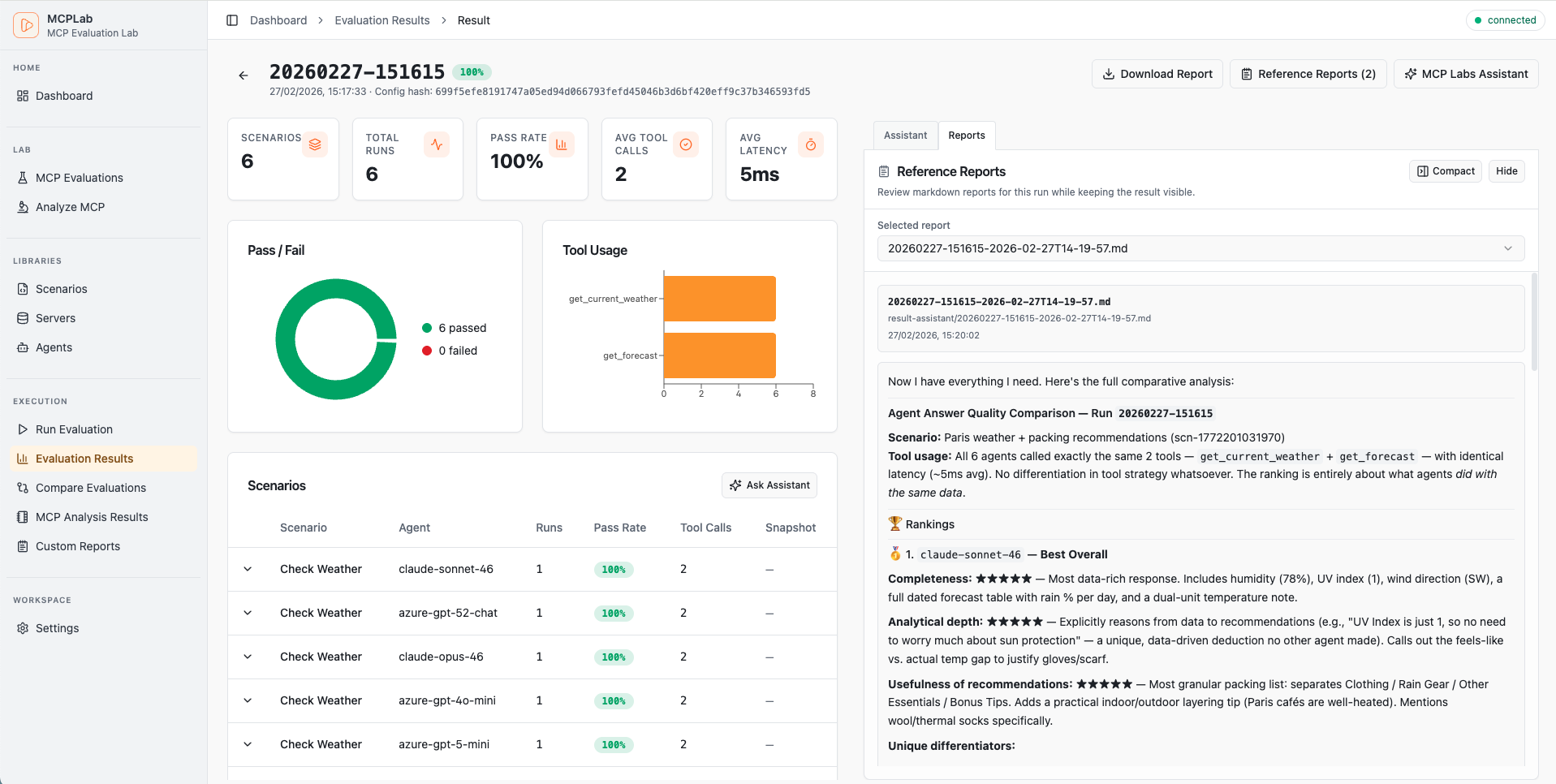
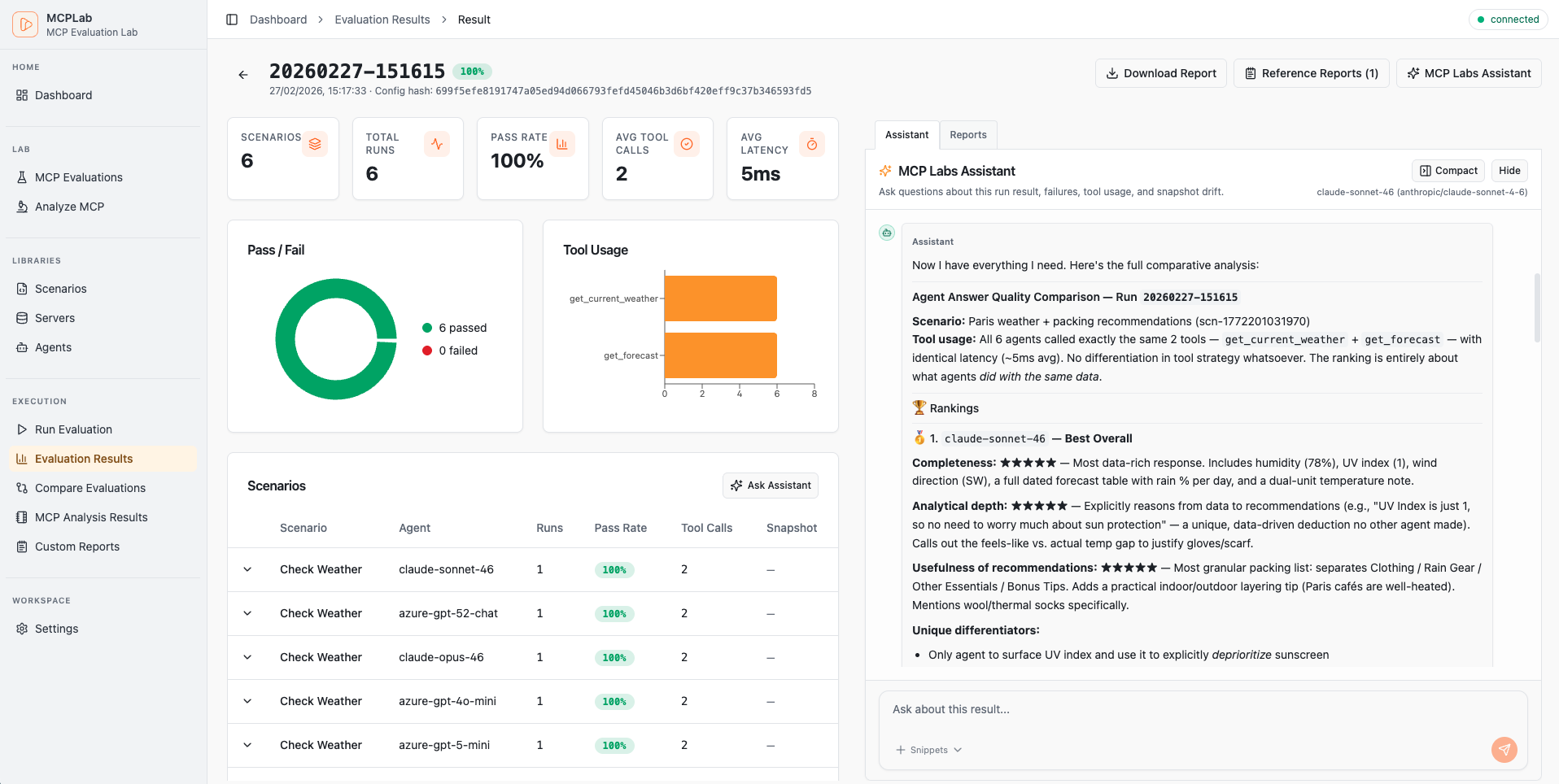
Track pass rates, latency trends and recent runs at a glance.
Core Capabilities
- •HTTP SSE Transport for MCP servers
- •Multi-LLM support (OpenAI, Claude, Azure)
- •Rich assertions & variance testing
- •Detailed JSONL trace logs
Analysis & Reporting
- •Trend analysis & LLM comparison
- •HTML, JSON, Markdown outputs
- •Custom metrics & KPI tracking
- •Markdown reports for each run
Developer Experience
- •CI-friendly CLI for scheduled runs
- •Reusable agent and server libraries
- •Interactive HTML reports
- •Multi-agent testing via CLI

MCPLab Rover
Run your browser evaluations on repeat
Repeating the same prompts in Claude or ChatGPT? Queue your MCPLab scenarios and let Rover handle submission and response capture. Review the checked answers and saved results in MCPLab.


Automate the repeated work
Queue scenarios, submit prompts, and capture completed answers in Claude, ChatGPT, or a compatible learned provider.
Reuse your evaluation scenarios
Apply your MCPLab response checks and judge assertions to browser answers, with results saved in the same place.
Control conversation context
Start fresh conversations between scenarios or continue the same chat. Follow progress and stop active work from Rover.
Quick Start
Up and running in under a minute.
1. Install
2. Create eval config
servers:
  my-server:
    transport: "http"
    url: "http://localhost:3000/mcp"

agents:
  claude:
    provider: "anthropic"
    model: "claude-haiku-4-5-20251001"
    temperature: 0

scenarios:
  - id: "basic-test"
    agent: "claude"
    servers: ["my-server"]
    prompt: "Use the tools to complete this task..."
    eval:
      tool_constraints:
        required_tools: ["my_tool"]
      response_assertions:
        - type: "regex"
          pattern: "success|completed"
3. Run evaluation
AI-Powered Tools
Built-in AI assistants to supercharge your workflow.
Scenario Assistant
AI chat to help design and refine evaluation scenarios. Describe what you want to test and get ready-to-use YAML configurations.
Result Assistant
AI chat to analyze and explain completed run results. Understand failures, spot patterns, and get actionable improvement suggestions.
MCP Tool Analysis
Automated review of your MCP tool definitions for quality, safety, and LLM-friendliness. Get recommendations before testing.
Agent Workflows
Use MCPLab with LLM agents
Install the `mcplab-assistant` skill and reuse the same prompts across Claude, OpenAI Codex, and similar coding agents.
Install the skill once
Use the Skills CLI installation flow documented in the MCPLab docs.
Prompt examples for any LLM agent
These prompts are agent-neutral and work as reusable starting points.
Generate a minimal, valid starter config before scaling up scenarios and agents.
Run one config across multiple agents and summarize performance differences clearly.
Analyze run artifacts and return concrete fixes tied to failed scenarios.
Documentation
Everything you need to go from setup to deeper analysis
Start quickly, then dive deeper with guides for setup, scenario design, app workflows, debugging, and advanced evaluation analysis.