App
AI Assistants
Use the Scenario and Result AI assistants to work faster.
Scenario Assistant
The Scenario Assistant is an AI chat that helps you design evaluation scenarios. Describe what you want to test in plain language and it produces a ready-to-use YAML scenario block.
Use it to get a first draft of a scenario, then refine it in the chat. When you are happy, copy the YAML into your eval config.
- Describe the goal: "I want to test that the agent calls the search tool before answering."
- Get a scenario with prompt, tool_constraints, and response_assertions already filled in.
- Iterate: "Make the assertion stricter" or "Add a forbidden_tools constraint."
Result Assistant
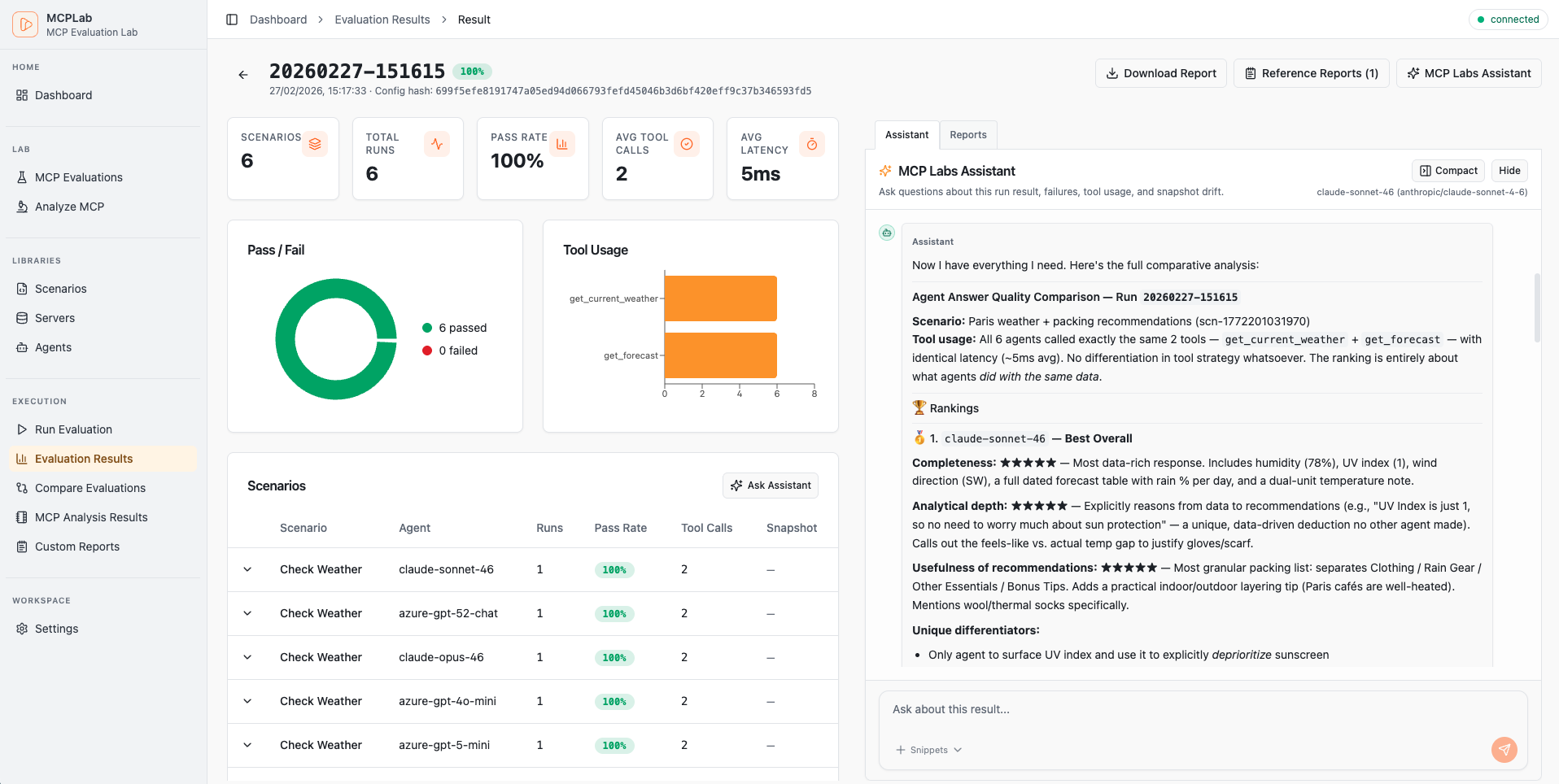
The Result Assistant is an AI chat that answers questions based on run data. It is available in two scopes.
From a specific run (scope: run), it is scoped to that run's results, tool traces, and assertions. Default analysis flow is: search for likely matches, open focused context, then read raw artifact lines only when needed.
From the Results overview (scope: all_runs), it has access to data across all runs and can answer questions about trends, regressions, and cross-run comparisons.
- Ask: "Which scenarios failed and why?"
- Ask: "Did the agent call the correct tools in the right order?"
- Ask: "Suggest improvements to make the failing scenarios pass."
- Ask (all_runs scope): "Which scenarios have been consistently failing across recent runs?"
- Ask (all_runs scope): "How has the pass rate changed over the last five runs?"